
The MAD-65 simulator · version 1.0.3
madsim is a whole MAD-65 in a program: both 65C02 processors, the video circuit, the two SN76489 PSGs and the YM2413 FM chip, and both joystick ports. It runs the real firmware ROMs and real cartridge images, so software that runs here runs on the hardware.
The simulation is paced to the console's true frame rate of 60.317 Hz, independent of your monitor. That is the point of the machine, so it is not something the simulator was going to fake.
Download madsim 1.0.3 (Windows)
ZIP archive, 2.9 MB · includes both firmware ROMs · released 2026-09-03
madsim.exe from the unpacked folder.No installer, no dependencies, nothing written outside the folder. It finds
the roms\ folder next to itself and loads the firmware
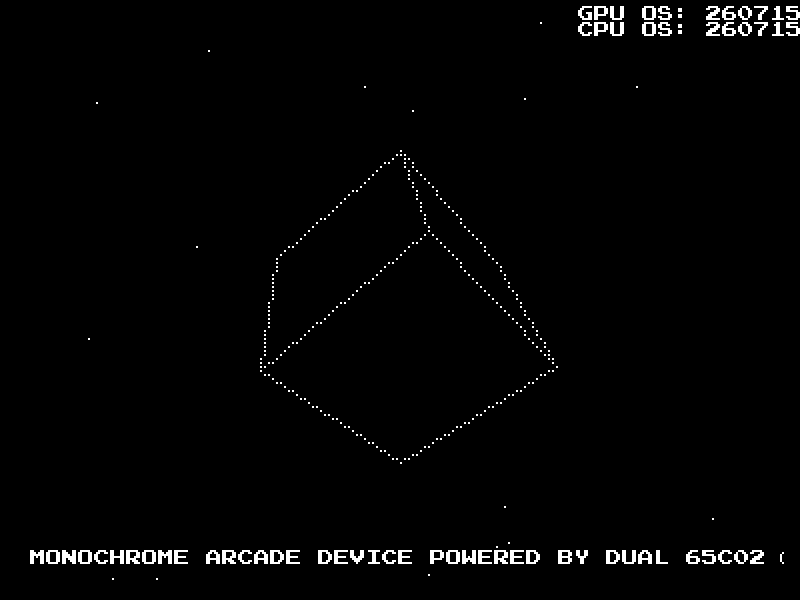
automatically. With no cartridge it boots the console's diagnostic demo — if
that runs, your setup is correct.
To play a game, drop its cartridge image next to madsim.exe as
cart.bin, or point at it:
madsim.exe --cart mygame.bin. The
C.E.T.A.S. download comes with madsim already bundled,
so it needs none of this.
| Arrow keys / Right Ctrl / Right Shift | joystick 1 — move, fire, second fire |
|---|---|
| W A S D / Left Shift / Left Ctrl | joystick 2 — move, fire, second fire |
| Space or P | pause / resume |
| M | mute / unmute audio |
| − and = | music ↔ sound-effects mixer knob |
| F5 | reset — as if you had pulled the /RESET line |
| F8 | display filter: plain, B/W CRT, green, amber, blue phosphor |
| F11 | borderless fullscreen |
| F12 | rotate the screen 90° clockwise, for vertical (TATE) games |
| F3 / F2 | utilization meter / dump machine state (developer info) |
| Esc | quit |
MAD-65 was designed to be seen on a CRT — that is what the F8 filters are for. On a flat panel they are the closest you will get to the picture as it was intended.
A USB gamepad is picked up automatically — no configuration and no flags. The first pad connected drives joystick port 1, a second one port 2. Unplug a pad and its port falls back to the keyboard; both sources work at once, and hot-plugging works while the simulator is running.
The D-pad and the left stick steer. The two vertically opposed face buttons are fire, the two horizontally opposed ones are second fire — each line is wired to both buttons of its pair, so it does not matter which one your thumb finds. The right stick is deliberately ignored.
A PS1/PS2-to-USB adapter has to be in analogue mode (press ANALOG, LED on). In digital mode the pad reports its right stick as the face buttons and its D-pad as the left stick, and nothing downstream can tell those apart from real presses — so the right stick appears to fire.
F3 shows how much of each frame CPU1 and the GPU actually used, and how much of that went on wait states. For anyone writing a game it is the quickest answer to the only question that matters on this machine: is there still room in the frame?
Video is a snapshot taken once per frame at VSYNC — which is exactly what a frame is, and right for writing games. madsim does not model what the video circuit is doing mid-scanline, so raster tricks inside a frame need the gate-level Verilator simulator that lives in the MAD-65 sources instead.
The frame model is sequential: CPU1 runs a whole frame, then the GPU, then the buffers swap. That is faithful rather than approximate, because the two processors only ever talk through the ping-pong shared RAM, and that swaps at the frame boundary anyway.
Short notes. The full changelog is in the download.
PLA/PLX/PLY didn't set the flags, which could scramble the picture in carts that branch on a pulled byte.--tate opens the window already rotated.